Activity #27: CSS GRID

programming
Apply it on 5 pages (ex. list of products,list of employees, list of students, etc) - name your repo CSS_GRID - add documentation on README.md of your repo - Submit github repositories
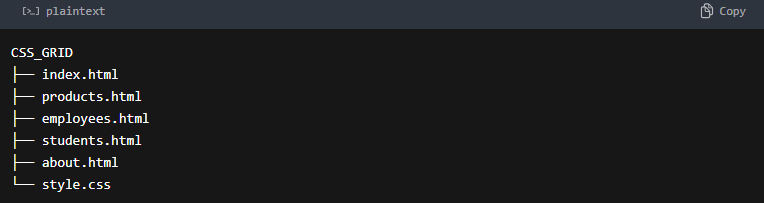
Repository Structure:
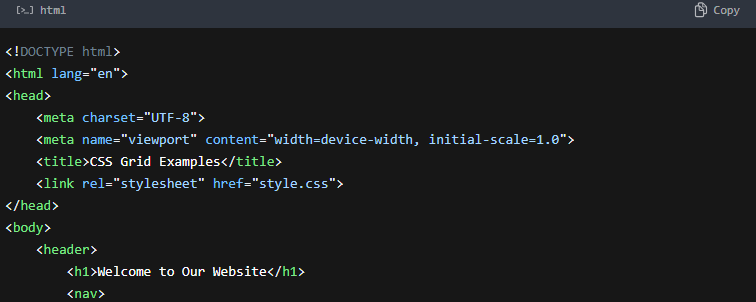
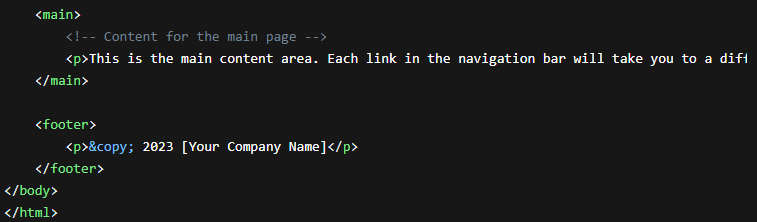
index.html (Main Navigation Page):



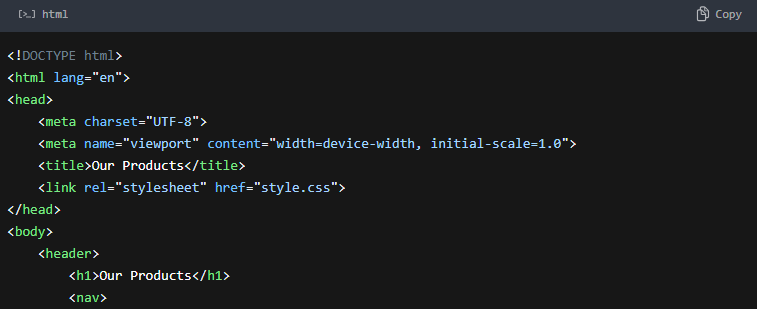
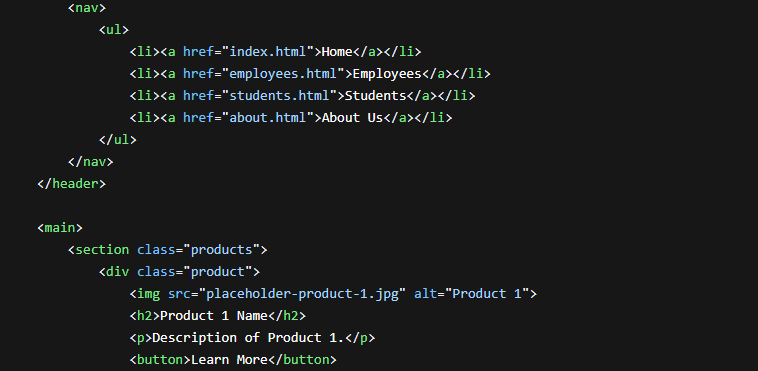
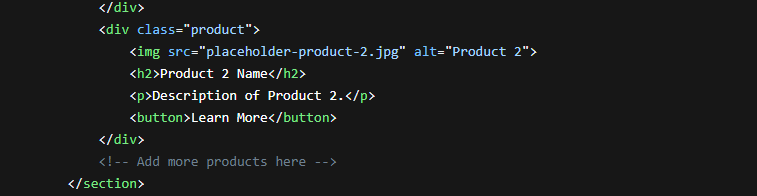
products.html (Product List):
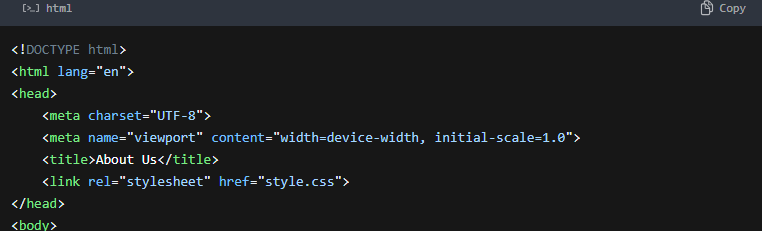
about.html (About Us Page):



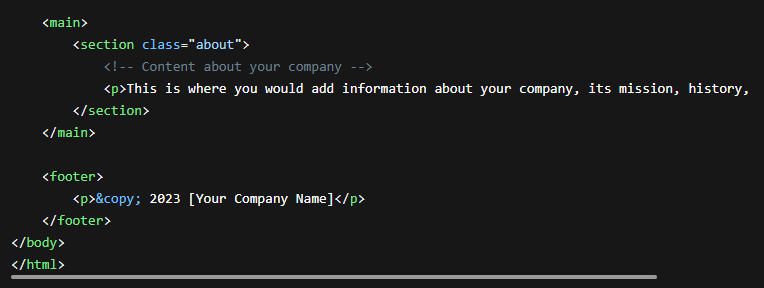
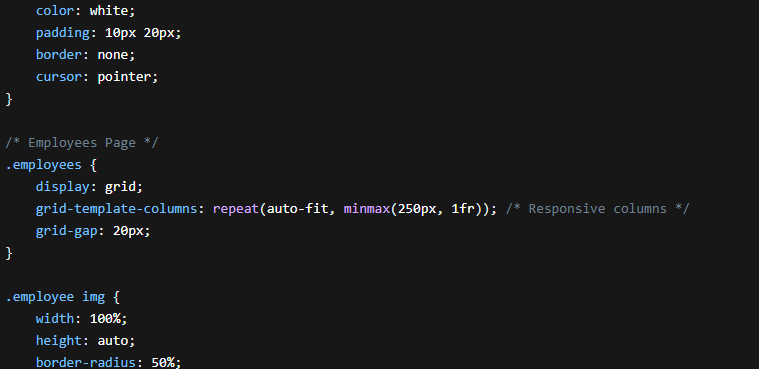
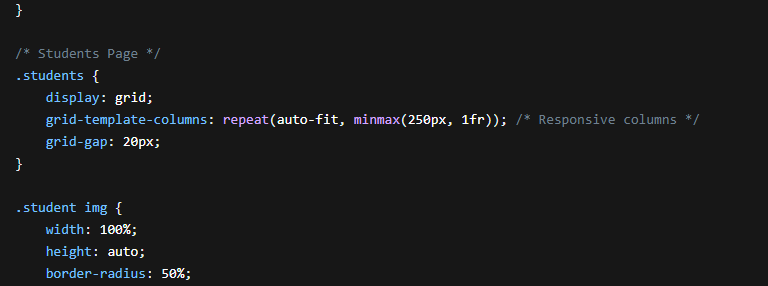
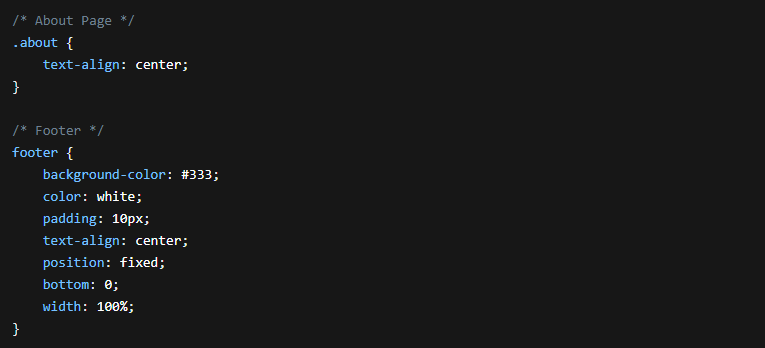
style.css (CSS Styling):
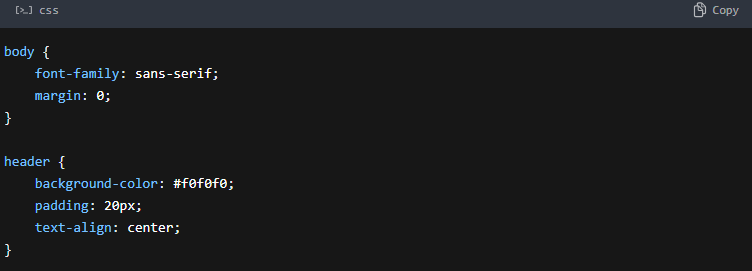
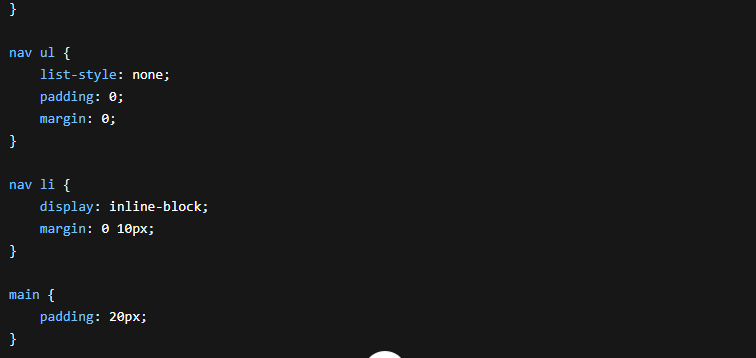
Explanation:
HTML Structure:
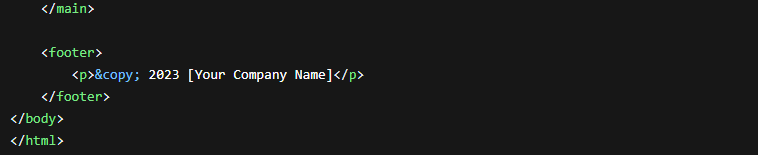
Each HTML file has a basic structure with a header, navigation, main content area, and footer.
The navigation links connect the pages.
Placeholders are used for images, product details, employee information, and student data.
CSS Styling:
The
style.cssfile provides basic styling for the layout.The
mainsection has apaddingto create some space around the content.The
footeris styled with a dark background and fixed positioning to ensure it stays at the bottom.
CSS Grid Layout:
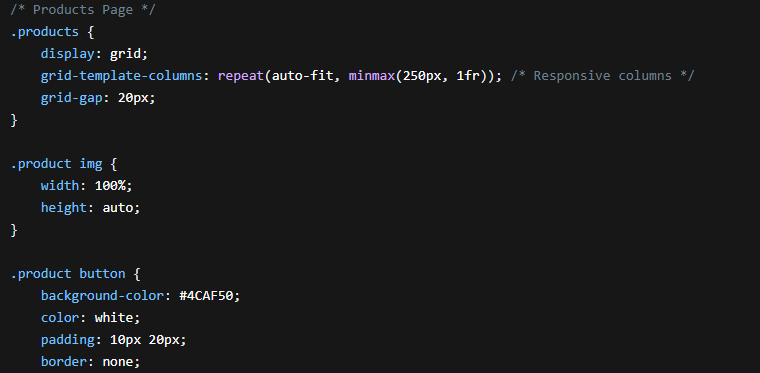
The
products,employees, andstudentssections use CSS Grid for layout.display: gridenables Grid layout.grid-template-columns: repeat(auto-fit, minmax(250px, 1fr))creates responsive columns that adapt to the screen size. The columns will fit as many items as possible, with a minimum width of 250px.grid-gap: 20pxadds spacing between grid items.
To Use:
Create the Repository: Create a new folder named "CSS_GRID".
Create Files: Create the HTML files (index.html, products.html, employees.html, students.html, about.html) and the CSS file (style.css) in the folder.
Add Content: Replace the placeholders with your actual content.
Add Images: Add appropriate image files for the products, employees, and students.
Open in Browser: Open
index.htmlin your web browser to view the pages.
Remember:
Placeholders: Replace the placeholder text and images with your actual content.
Customization: You can customize the CSS styles to match your design preferences.
Responsiveness: The auto-fit and minmax() functions ensure that the layout adapts to different screen sizes.
GITHUB LINK: https://github.com/MaricarRico/Activity-27-CSS_GRID.git


